
Epic Dino vs Robot
Make the action
feel impossible.
Build an action shot with Blender, Houdini and Nuke.

- Lessons
- 5 lessons
- Access
- Learn at your own pace
- Format
- Project-based training
- Lesson access
- Lifetime
Blender · Houdini · Nuke
Check software versions and included resources before enrolling.Review current pricing, included resources and access terms on the enrollment page.
Big action. Every detail matters.
Build an action shot with Blender, Houdini and Nuke.
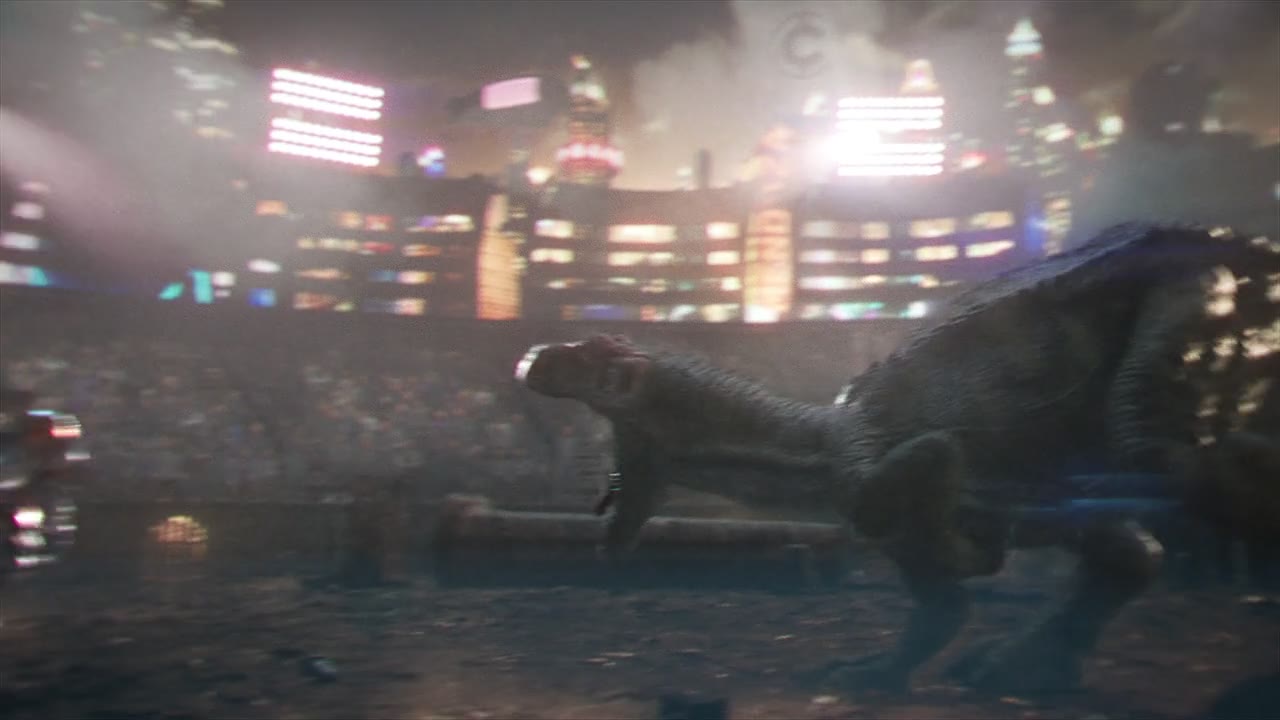
Build the action.
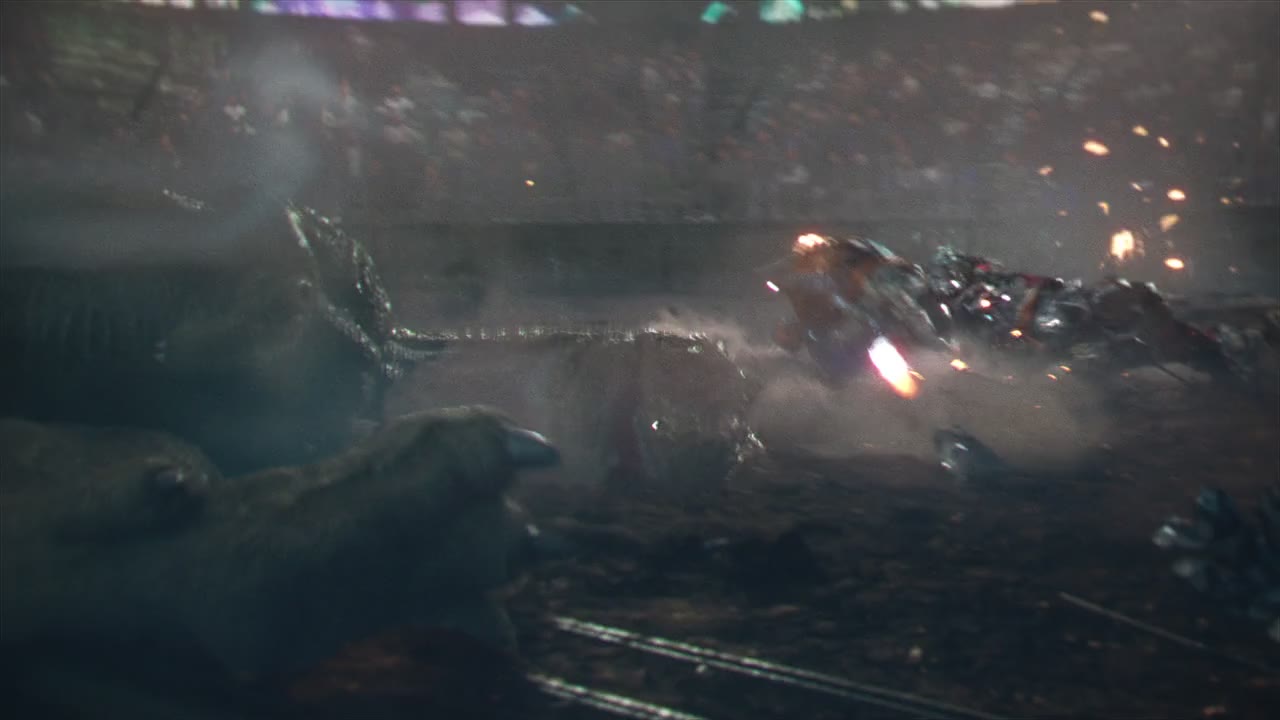
Make the scale feel real.
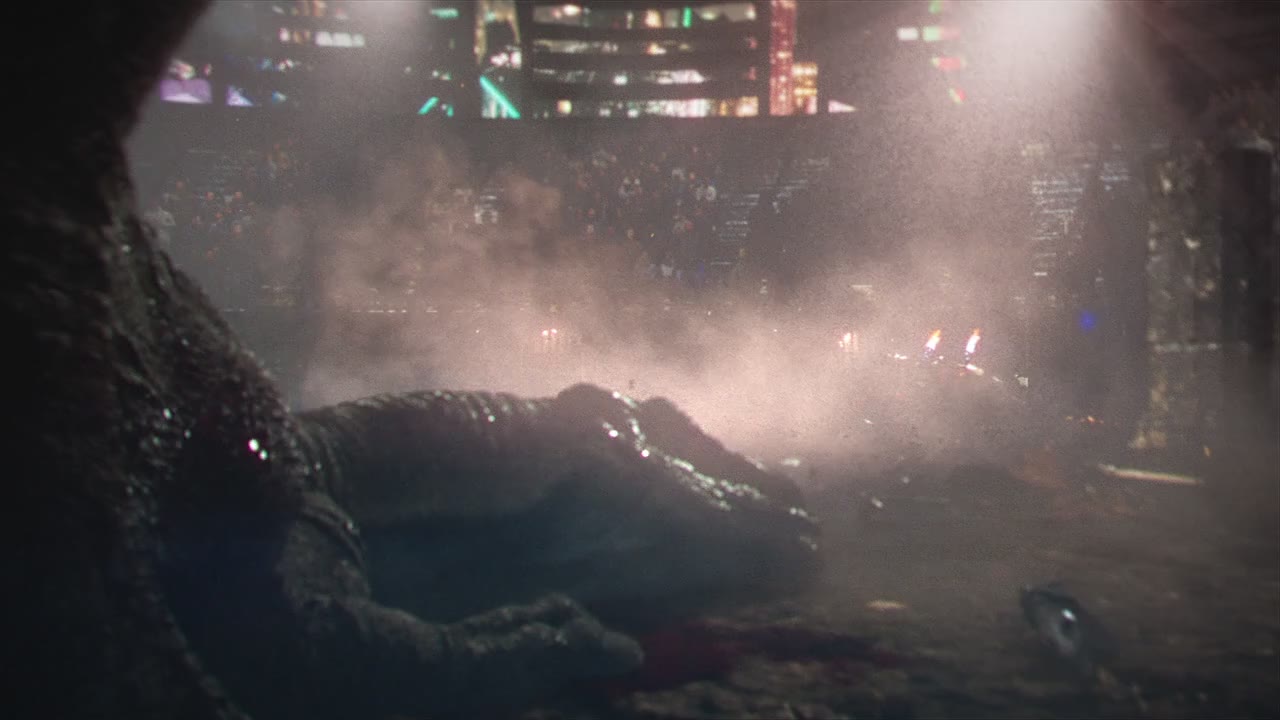
Bring the shot together.
Build toward a finished result.
Design the action
Build action with readable staging, timing and scale.
Work across tools
Connect Blender, Houdini and Nuke in one project.
Bring it together
Unify animation, effects and compositing into one action shot.
The work. The process.
Course preview


Open a chapter to see its lessons.
Introduction to Cinematic Action Shots
Lesson details will be shared as this course develops.
Modeling the DINO and ROBOT
Lesson details will be shared as this course develops.
Animation Techniques for Action Scenes
Lesson details will be shared as this course develops.
Visual Effects with Houdini
Lesson details will be shared as this course develops.
Post-Production in Nuke
Lesson details will be shared as this course develops.
Is this your next course?
For artists interested in action-driven VFX across Blender, Houdini and Nuke.
Start with the project.
See the course details and lesson information before enrolling. Check the listed software requirements against your setup.
VIEW FULL COURSE DETAILS ↗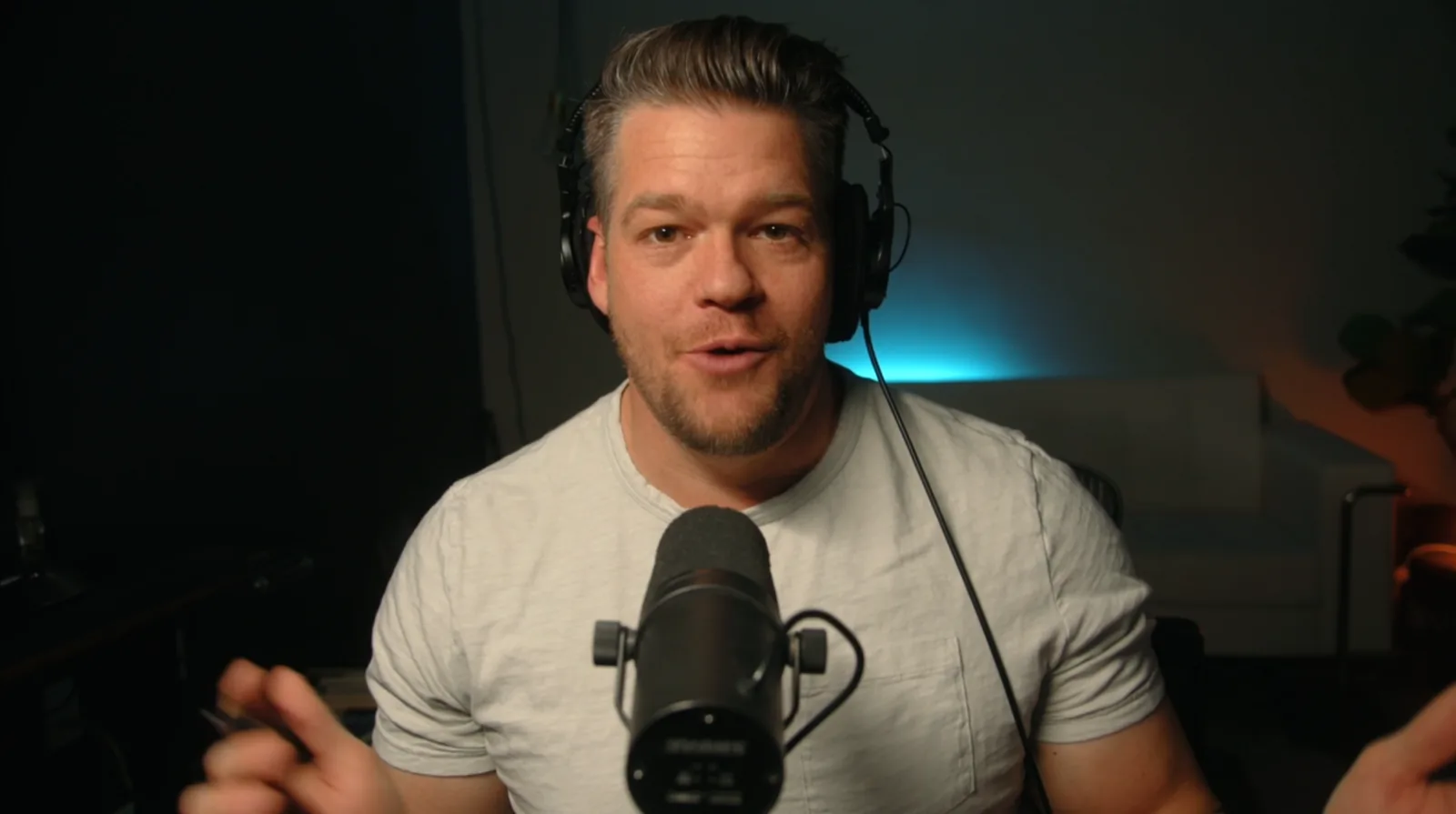
Understand the decisions.
Build your own work.
VFX Central connects filmmaking, visual effects and the tools behind the shot. Practice the decisions behind a finished shot, then apply them to your own work.
MEET AARON ↗A few things to know.
Where do I access the lessons?
For VFX Crash Course and AE Crash Course, sign in to your VFX Central website account, pay through Stripe, then open the course in My Library. Videos play through Vimeo. Other courses retain their current enrollment pages.
Which software and resources do I need?
Check the full course details on the enrollment page for software versions, requirements and included files.
What are the access and refund terms?
Review the current terms on the enrollment page before purchasing.
I already own this course. Where do I log in?
Open My Library using the same email as your original purchase. Imported Thinkific enrollments are preserved.