
Useful tools.
More room to create.
Made by Aaron. Built around the things that get in the way of making.
Project Materials
All your materials.
One place.
View the materials in your Blender project and apply them to a single object or multiple objects.
FREEDrag this button into Blender 4.2 or newer, then confirm the installation.
DOWNLOAD ZIPSee your materials.
View the materials already in your project.
Apply them quickly.
Add materials to single or multiple objects.
Keep creating.
A free tool for your Blender workflow.
Camera Projector
Turn images into
3D textures.
Project images onto 3D geometry in Blender. Feather the edges, paint over projections, and layer multiple projections on the same geometry.
Bake your projections and textures. More features on the way.
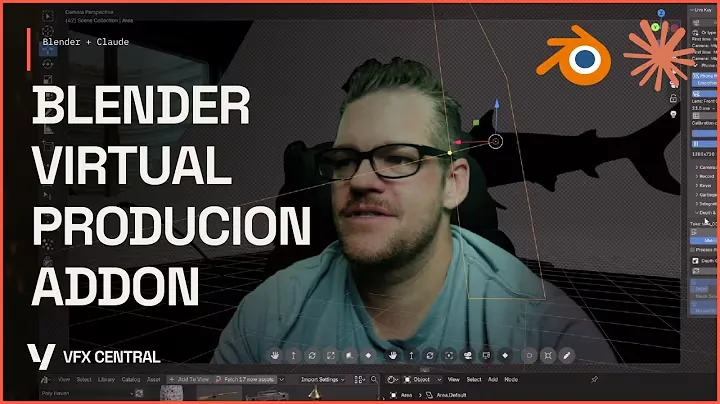
Virtual Production
Step into
your 3D world.
Use your webcam or iPhone to key and track yourself into a 3D environment in real time, powered by Blender’s EEVEE.
Bring your camera.
Use a webcam or iPhone as your input.
Key and track live.
Place yourself in the scene in real time.
Create in EEVEE.
Work inside your Blender 3D environment.
Nuke Scene Exporter
Your Blender scene.
Ready for Nuke.
Move your scene from Blender into Nuke with proper orientation, cameras, lights and geometry. It also matches frame range, frame rate, scene settings and aspect ratio. Select what you want to export, click export, then drag the generated Nuke script into Nuke.
Keep refining your Blender scene and update your existing Nuke script without reimporting the geometry. Refresh meshes, cameras and lights as your shot develops.
Drag this button into Blender 4.2 or newer, then confirm the installation.
DOWNLOAD ZIP Blender
 Nuke
NukeSelect what you need.
Choose the cameras, lights and geometry you want to bring across.
Export your scene.
Generate a Nuke script with the correct scene orientation.
Drop it into Nuke.
Drag your exported script into Nuke and continue your shot.
Built in the open.
Watch the experiments, ideas and decisions behind the tools.
Your tools, in your account.
Log in to access your courses, purchases and downloads.