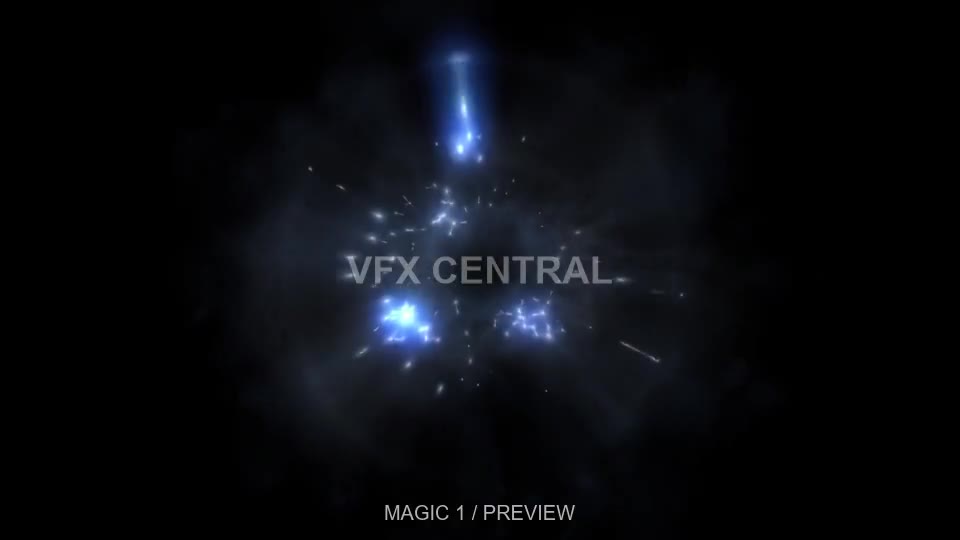
 VFX CENTRAL / NUKE / BETA 0.2.0
From your browser.
Into your shot.
Drag free Magic and Ember effects into Nuke. The plugin downloads the original MOV and creates a Read node. Choose your download folder, follow progress, and reuse files you already downloaded.
Purchased effects: sign in to My Library, open a stock pack and click Prepare for Nuke on an individual MOV. Then drag the prepared button into Nuke within five minutes. Requires beta 0.2.0.
DOWNLOAD NUKE PLUGIN ↓Installation guide
- Extract the ZIP into your .nuke folder. Keep the vfxcentral_stock_fx folder together.
- Add these lines to your existing .nuke/menu.py, or create that file:
import nuke
nuke.pluginAddPath('./vfxcentral_stock_fx')
Restart Nuke. Open the V icon on the left toolbar → Choose download folder. Then drag an effect below into the node graph.
Find your next effect.
Drag a thumbnail into Nuke’s node graph. Your plugin downloads the effect and creates a Read node.
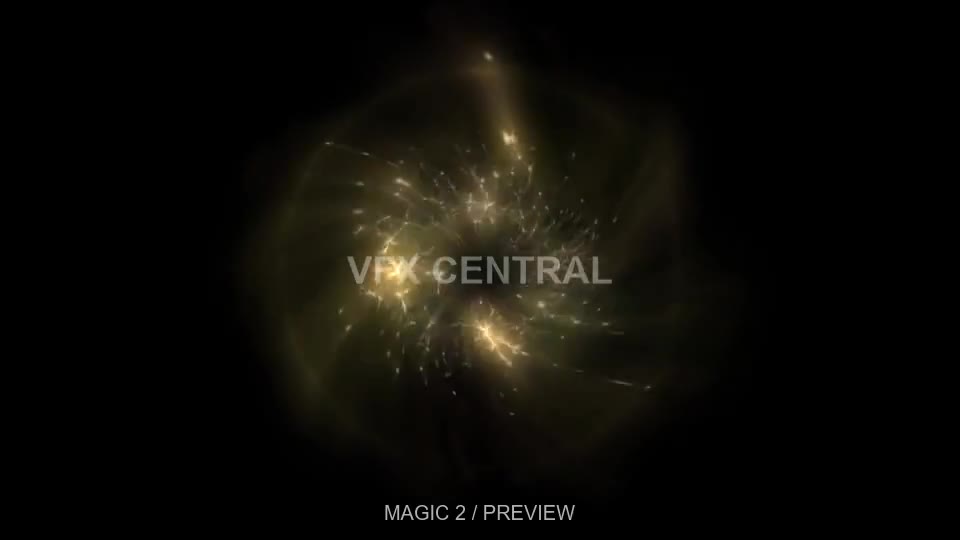
Magic 2
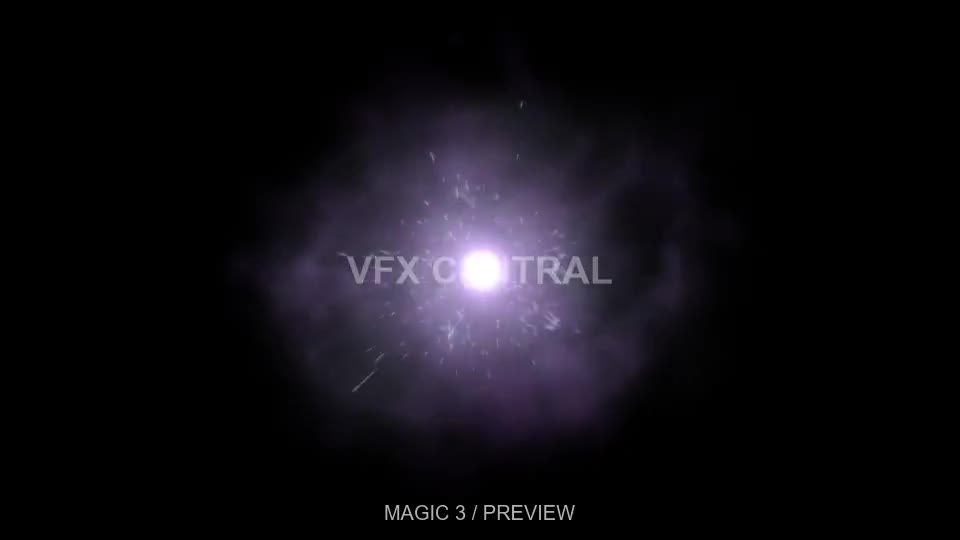
Magic 3
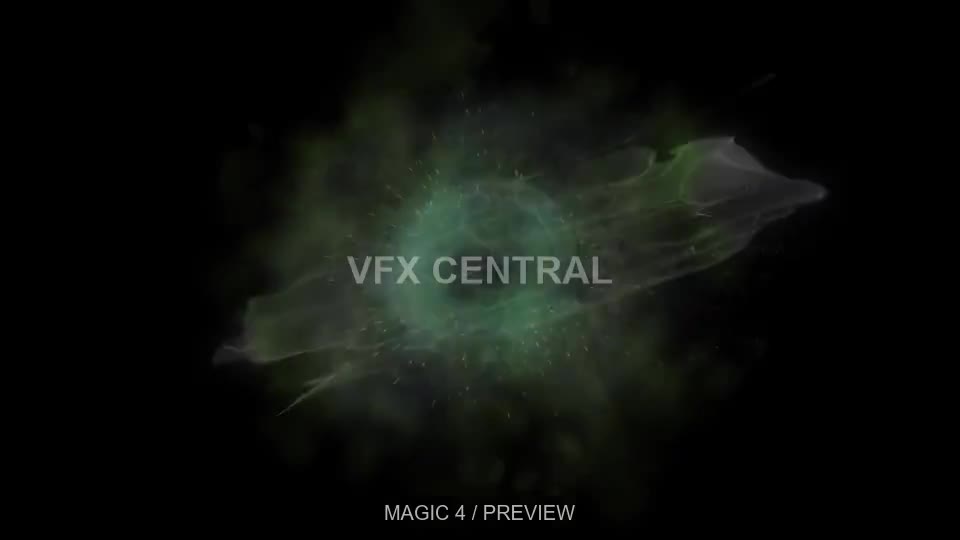
Magic 4
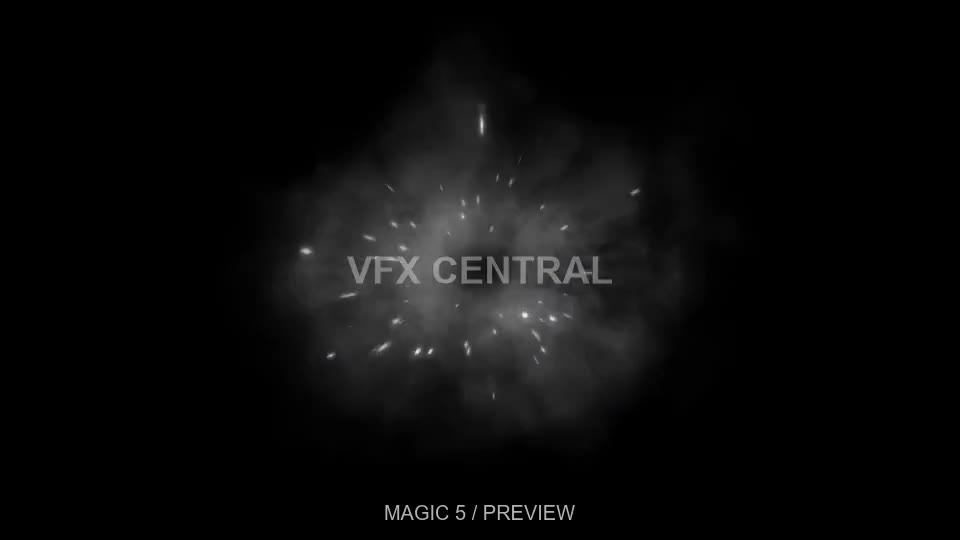
Magic 5
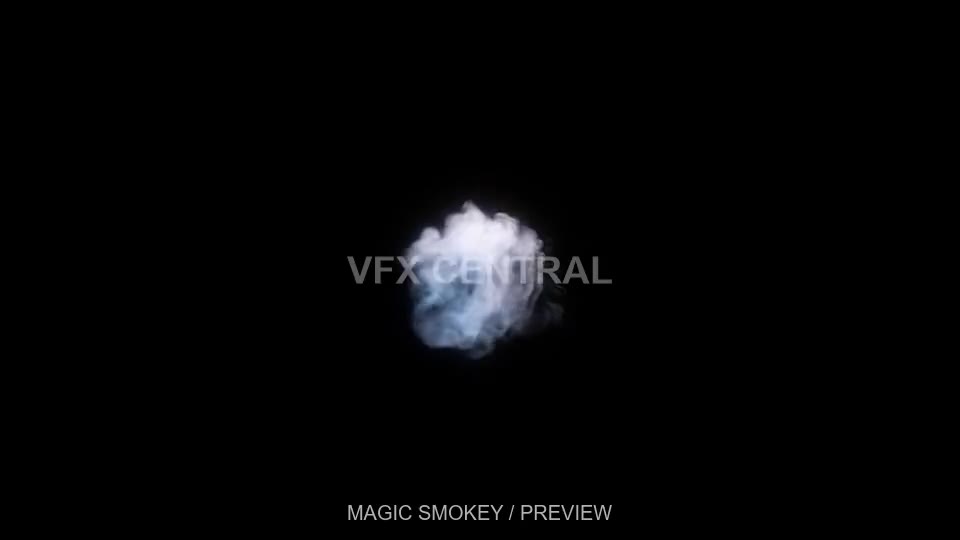
Magic Smokey
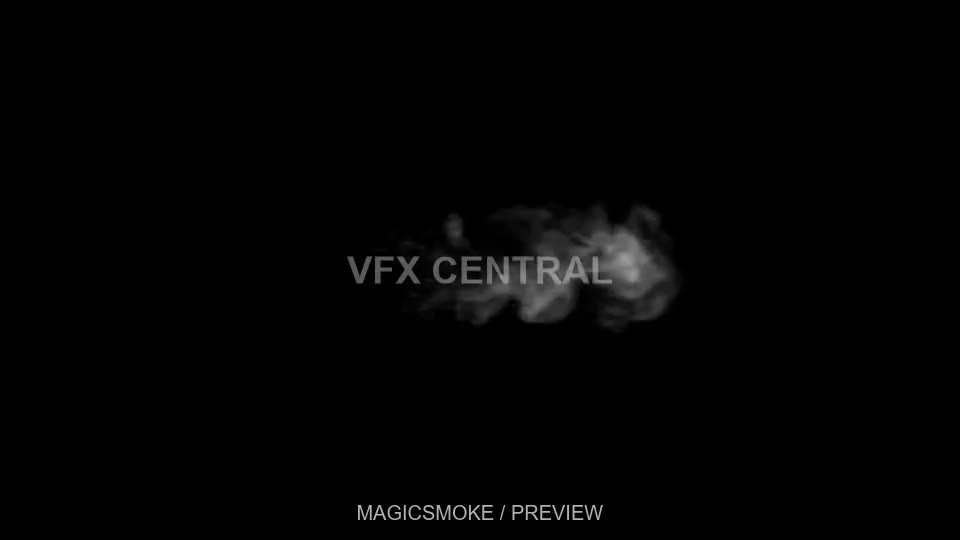
magicsmoke
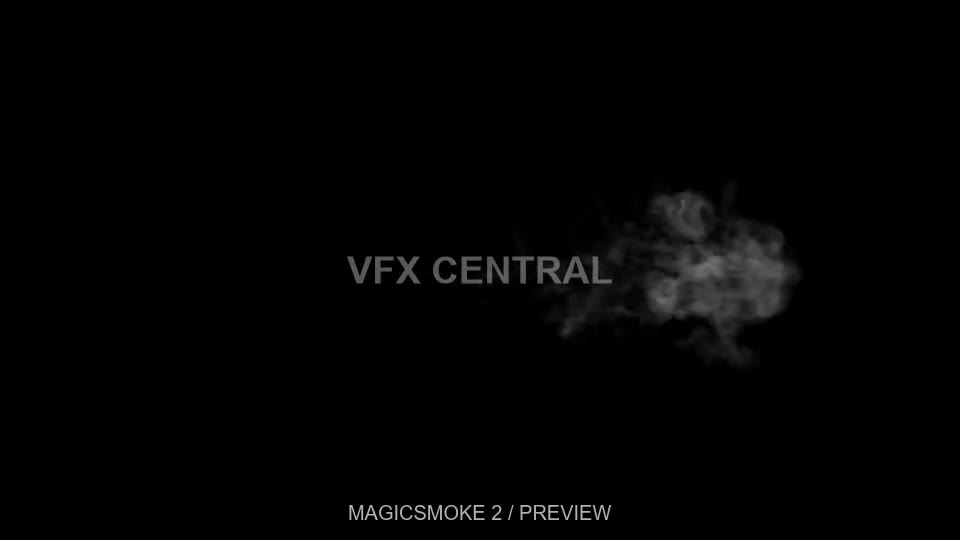
magicsmoke 2
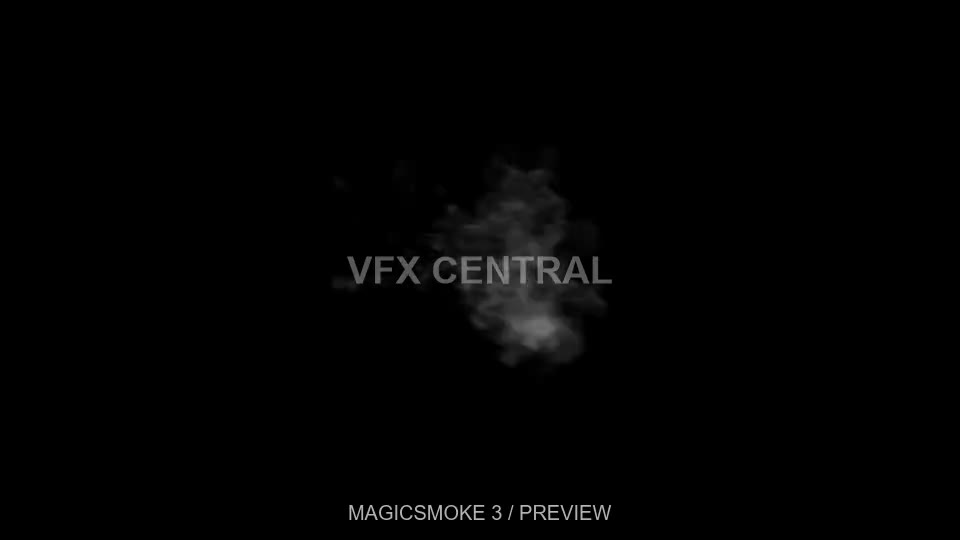
magicsmoke 3
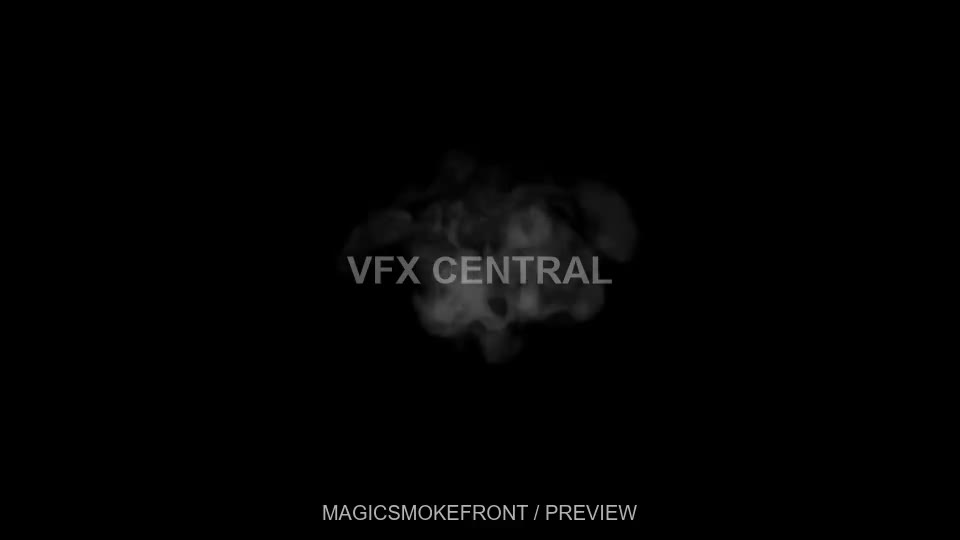
magicsmokefront
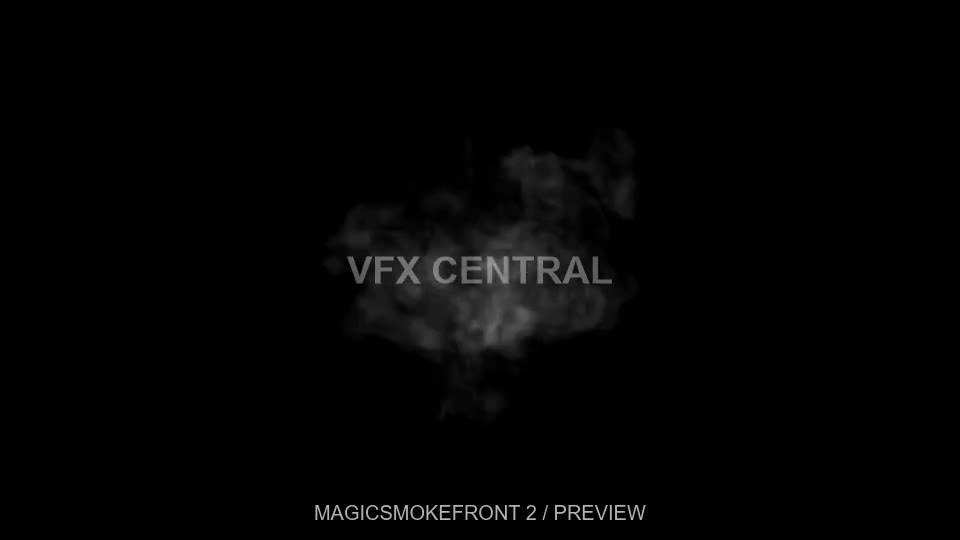
magicsmokefront 2
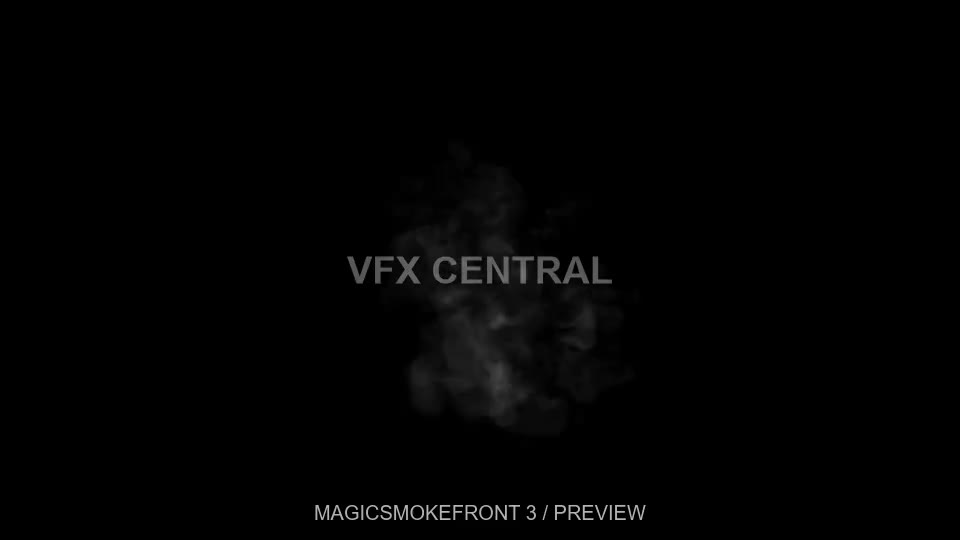
magicsmokefront 3
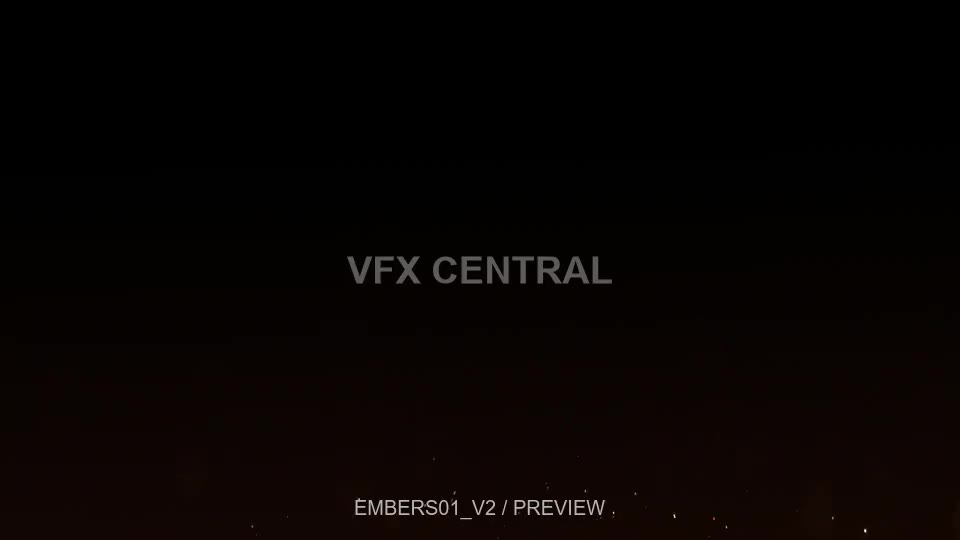
Embers 01
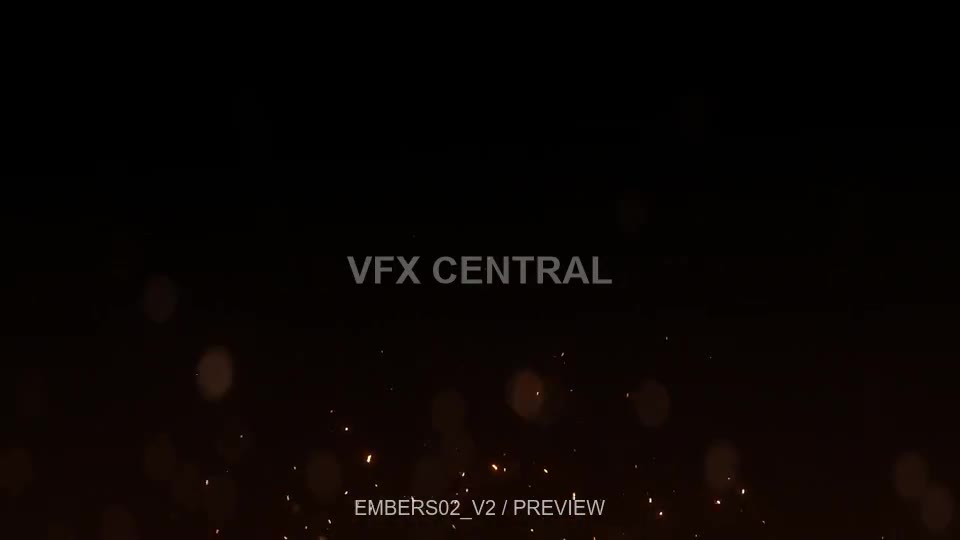
Embers 02

Embers 03
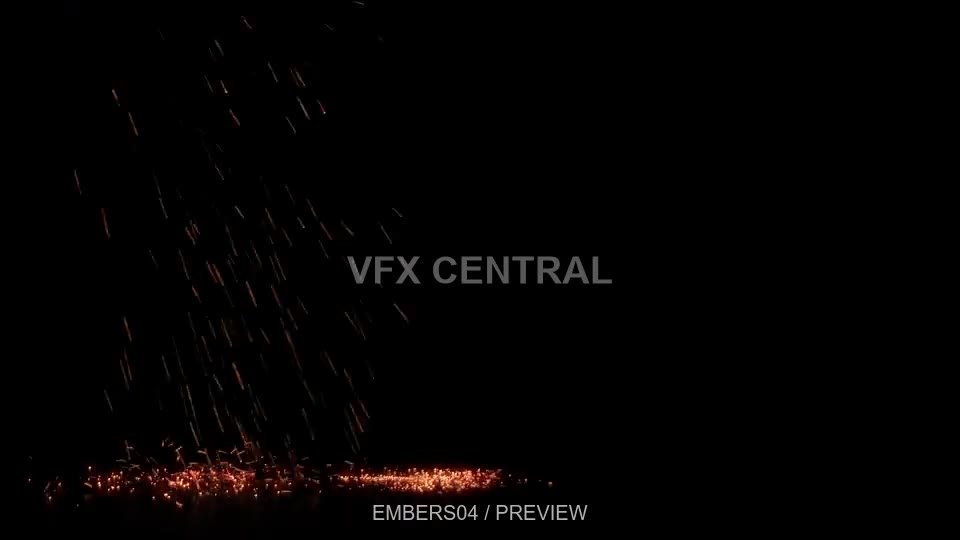
Embers 04
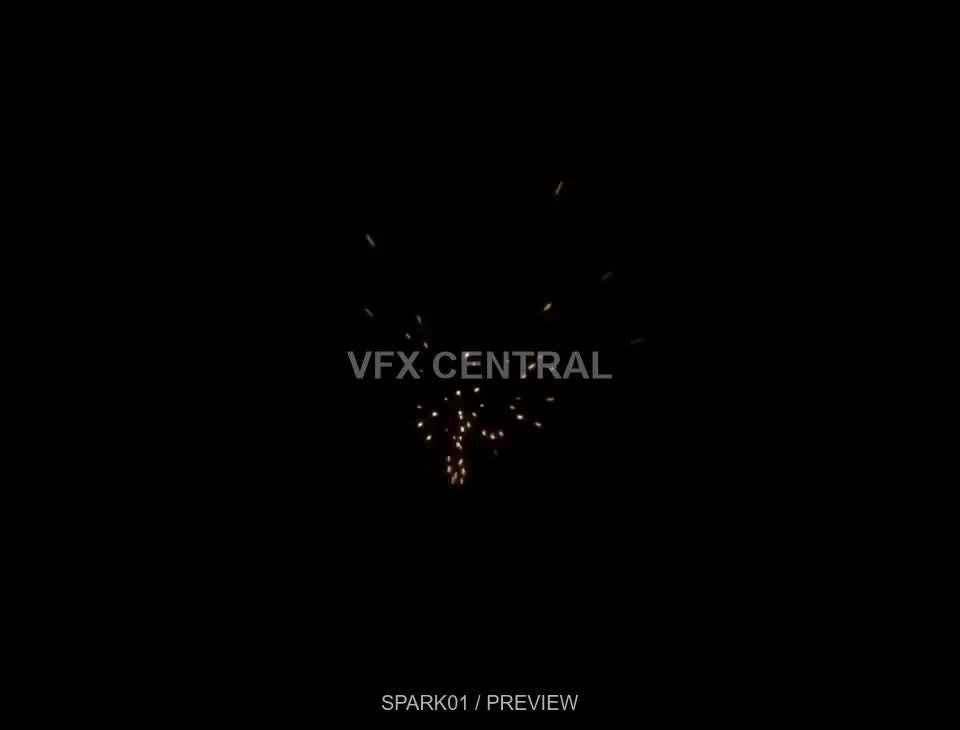
Sparks 01
Set the Read node’s color space for your project. Move the downloaded files with your project when sharing it.