
Drop an effect.
Build your shot.
Bring original footage into Blender as a plane with an additive emission material. Each import uses the footage’s aspect ratio and enables video playback.
Install once, then drag effects
- Download the ZIP above. In Blender 5.2, open Edit → Preferences → Add-ons → menu (⌄) → Install from Disk. Select the ZIP and enable VFX Central Stock FX.
- In the 3D Viewport, press N and open the VFX Central tab. Choose your download folder, allow online access in Blender if prompted, then turn on Browser Drag & Drop.
- Place the browser and Blender side by side. Drag a DRAG TO BLENDER link into the Blender 3D viewport.
- A plane appears at the 3D cursor, facing the current view. Use Material Preview or Rendered shading to see it. Press Play to animate the footage.
For purchased MOVs, click PREPARE FOR BLENDER in My Library first, then drag within five minutes. No separate add-on login is needed. The server checks that you own the individual file or its full pack.
No floating window is needed. Turn Browser Drag & Drop off to restore Blender’s original drop handler. Other file and asset drags pass through to Blender while it is on. The switch applies to the window where you enable it and resets off when you open another project. This Windows-specific prototype uses an in-process drop adapter; no helper app or PowerShell is required.
You can also right-click a Blender effect link in the browser, copy its address, then use Paste Copied Effect Link, or import a downloaded clip with Import Local FX.
Try 17 free effects.

Magic 2
Magic 3
Magic 4
Magic 5
Magic Smokey
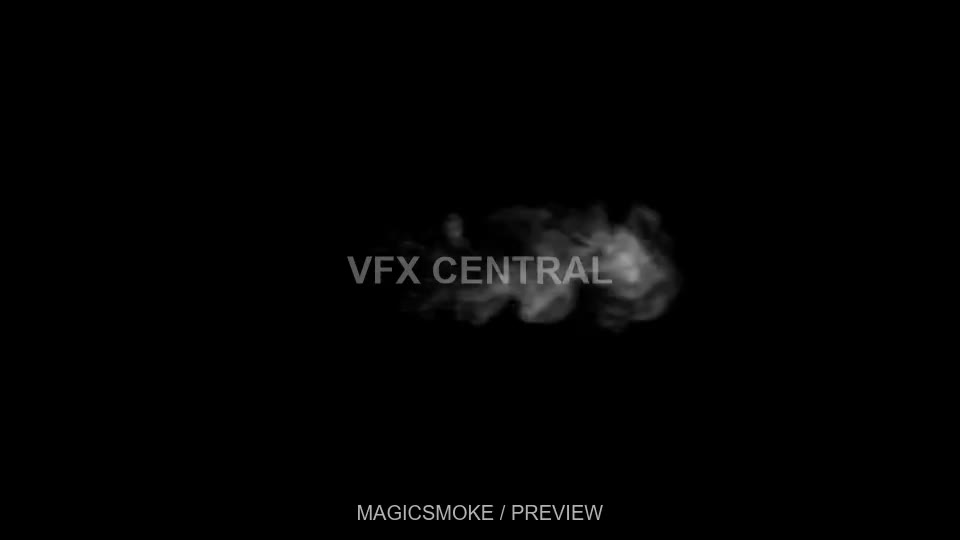
magicsmoke
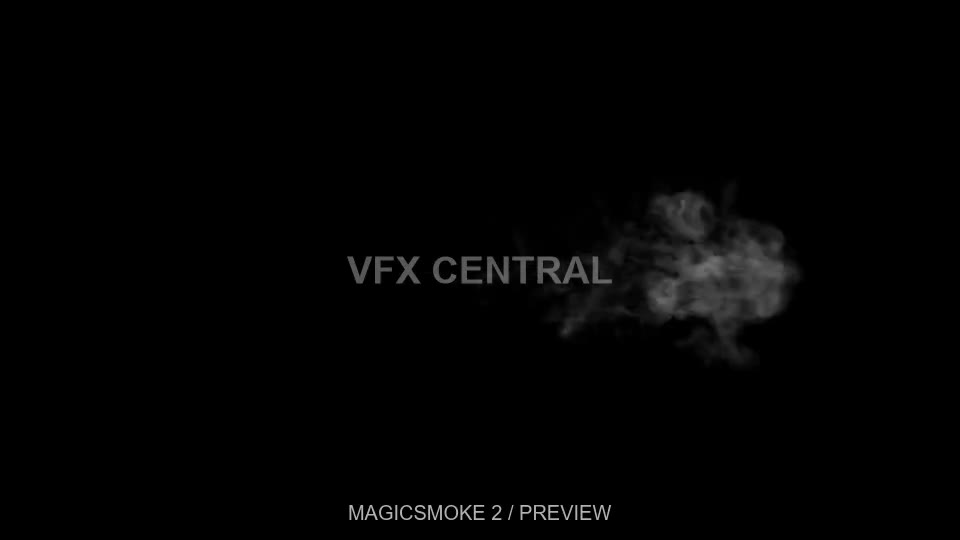
magicsmoke 2
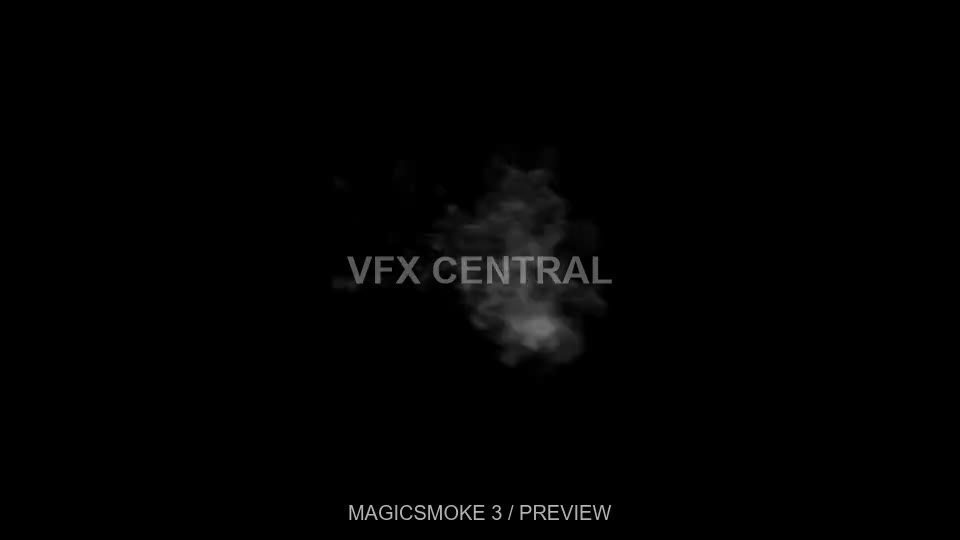
magicsmoke 3
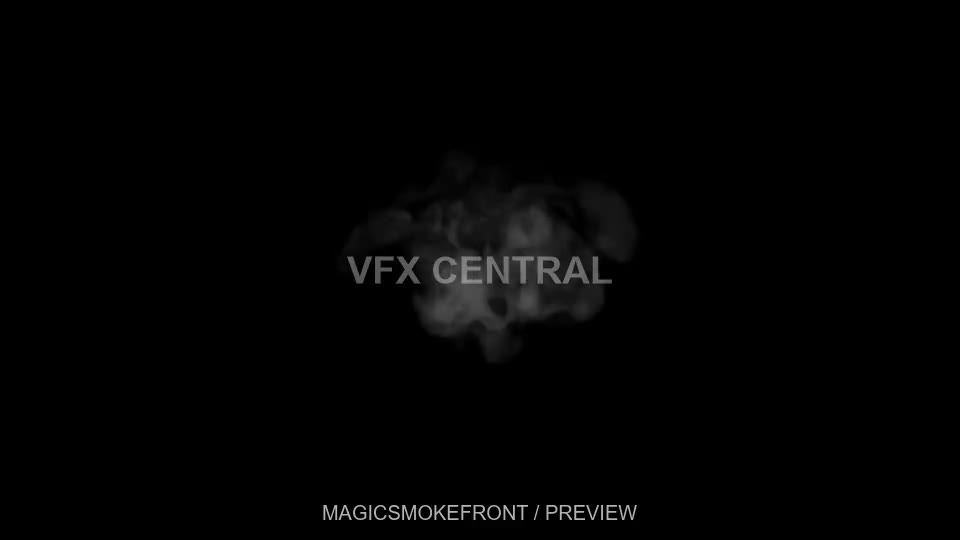
magicsmokefront
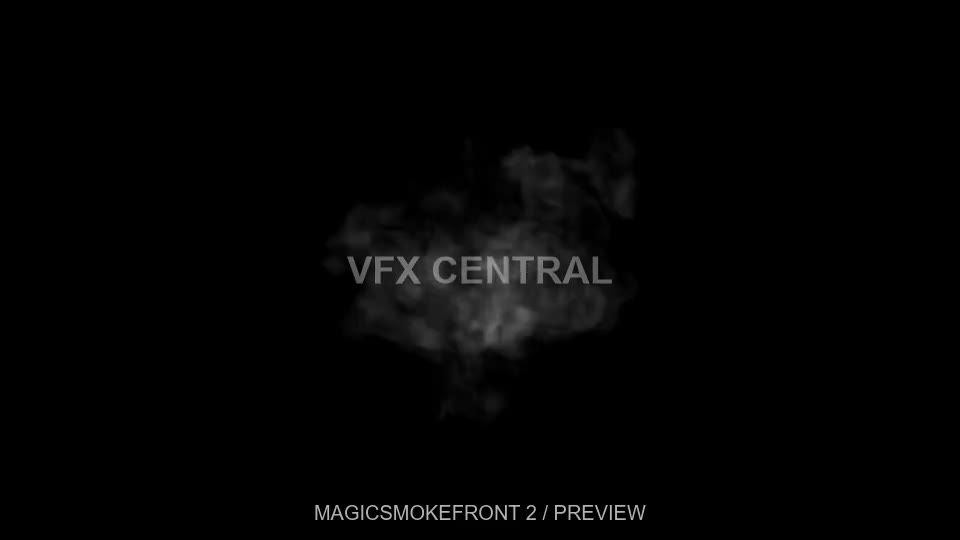
magicsmokefront 2
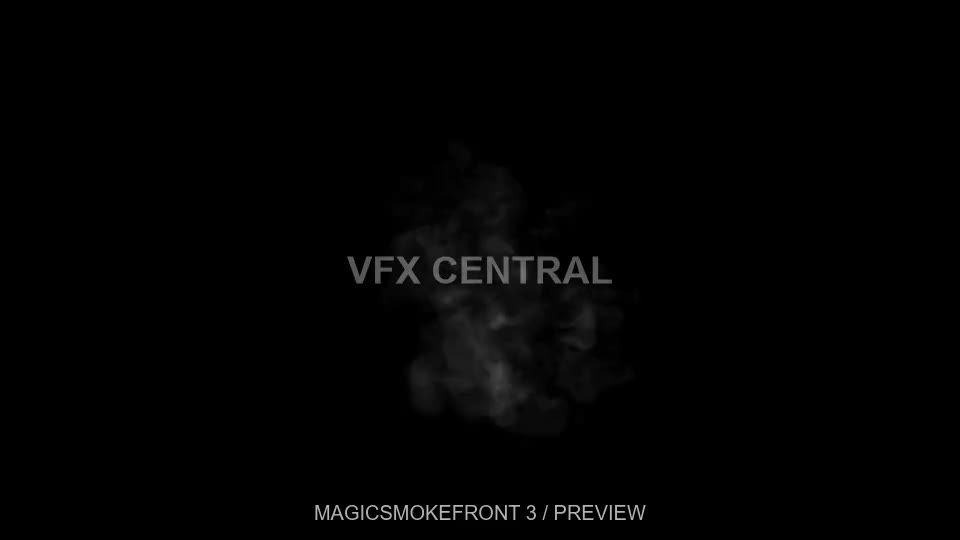
magicsmokefront 3
Embers 01
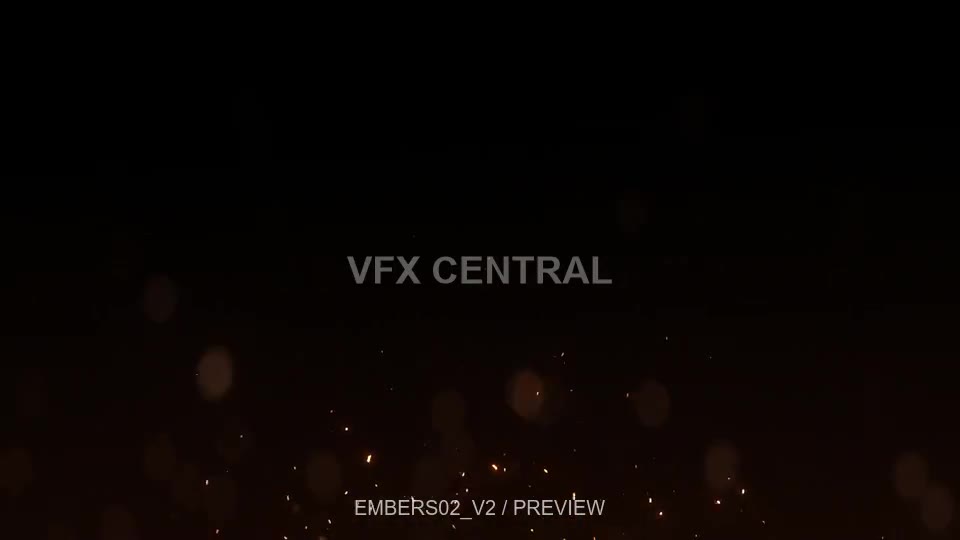
Embers 02
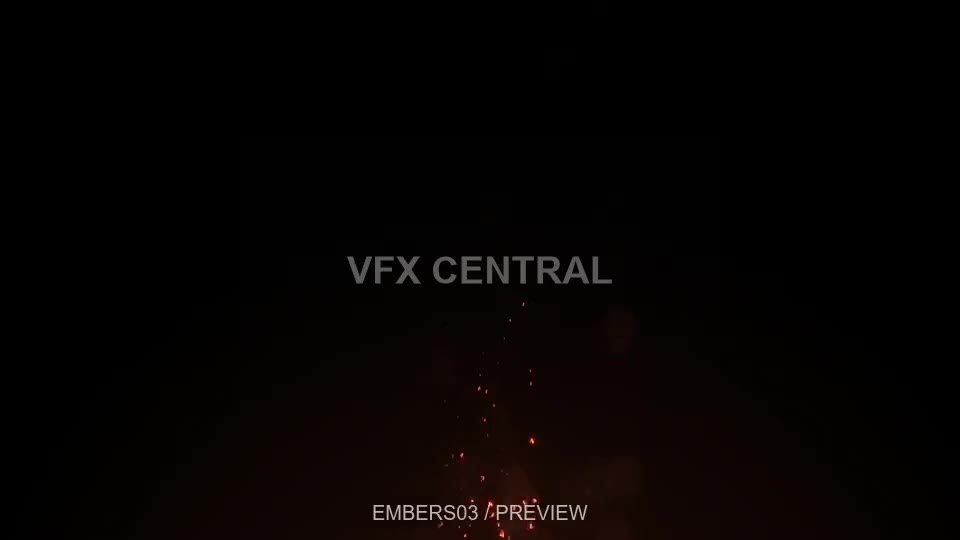
Embers 03
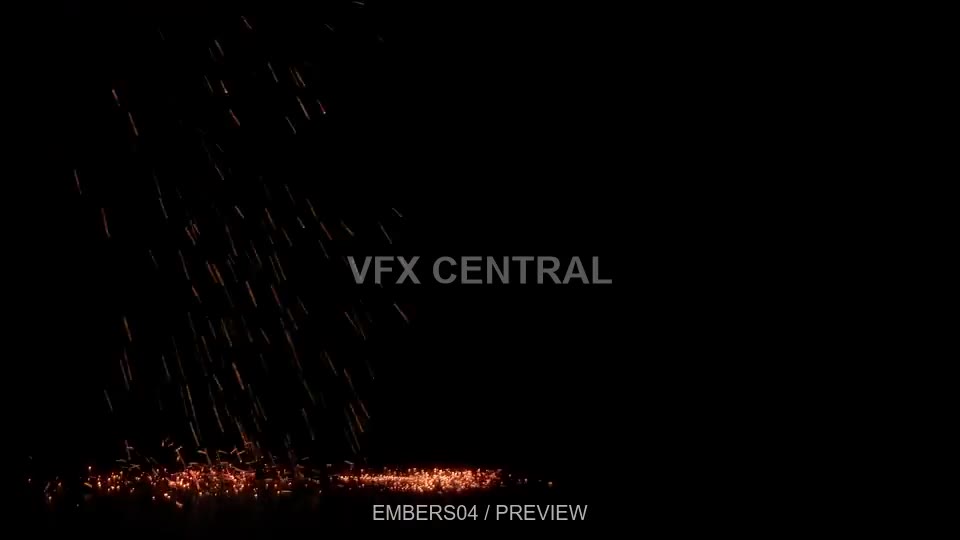
Embers 04
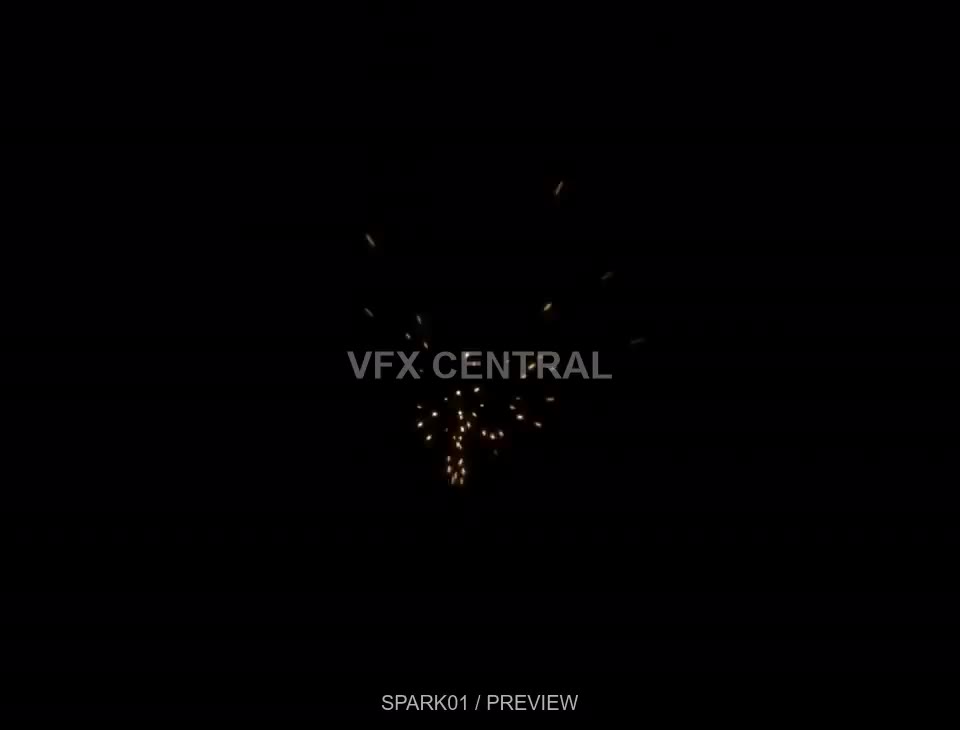
Sparks 01
Material: Image Texture → Emission (strength 1) + Transparent BSDF → Add Shader → Material Output. Best for effects against black; this prototype does not use alpha-channel mixing. Scene frame rate, frame range and color management stay under your control. Keep downloaded footage with your project when sharing it.